
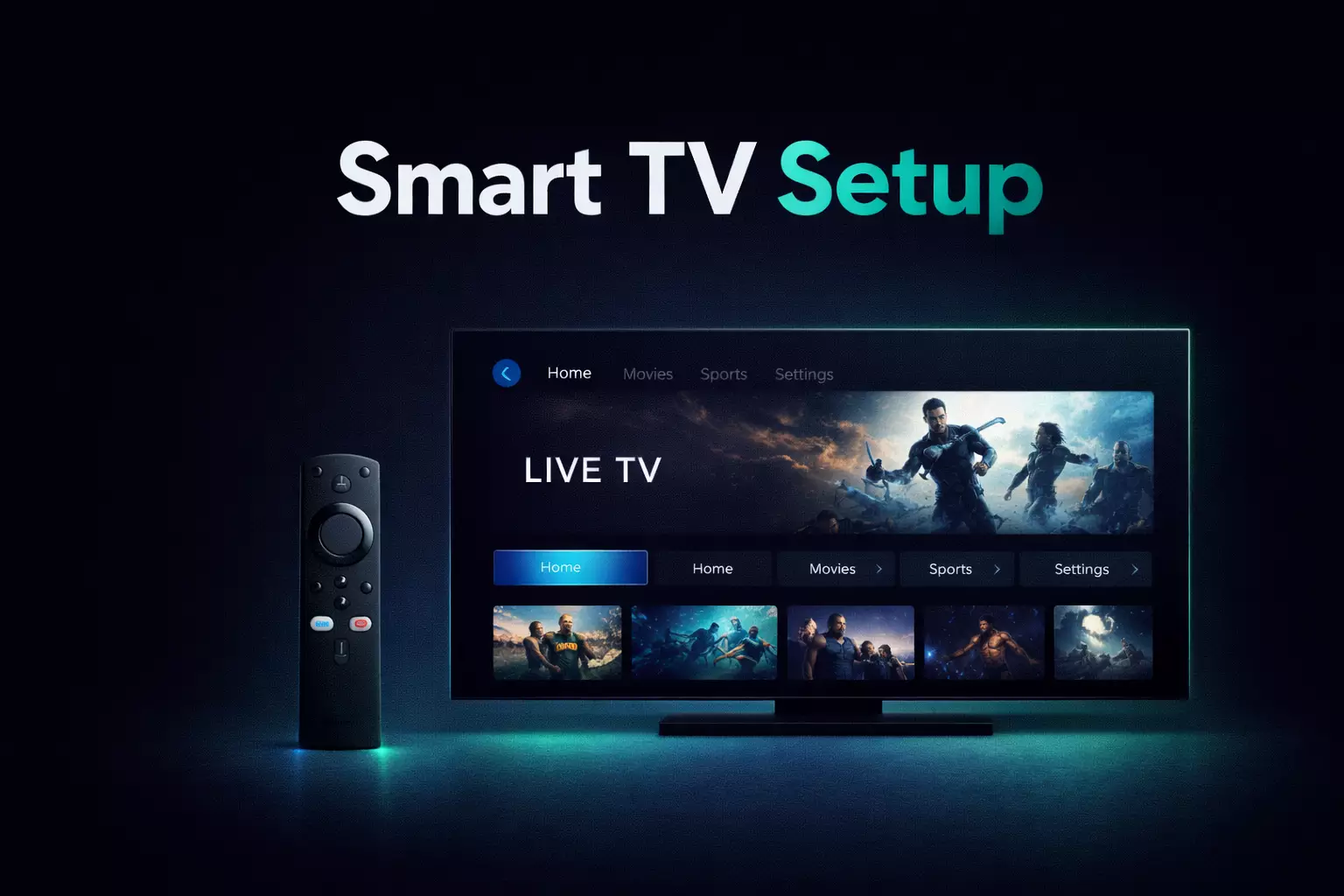
What TiviMate Is
TiviMate is an IPTV player that many viewers choose when they want a more polished, TV-style interface. It is especially popular among people who care about guide-based browsing and a smoother remote-control experience. If you are still deciding which service to use, start with our best IPTV service overview or compare regional use cases like IPTV USA and IPTV Canada.
Why People Like It
- Cleaner layout for live channel browsing
- Strong fit for Android TV-style devices
- Guide-driven experience that feels familiar
- Simple enough for everyday living room use
Basic Setup Flow
The basic process is simple: install the app on a compatible device, choose your login method, enter your credentials, and allow channels and guide data to load. If you want the broader device setup first, read how to set up IPTV on Firestick.
Who It Fits Best
TiviMate is usually a strong fit for viewers who mainly watch on a TV screen and want a traditional viewing feel rather than a mobile-style app interface. For a broader app comparison, see our best IPTV player guide or the IPTV Smarters setup article.
Conclusion
If your main priority is a cleaner TV-focused experience, TiviMate is often one of the first apps worth considering. The best way to know if it fits is to test it on your main device and see whether the layout matches how you actually watch.
TiviMate Premium: Is It Worth It?
The free version of TiviMate is limited; features many families rely on, such as favourites, catch-up and multiple playlists, sit behind the premium unlock. If you watch a lot of live TV across many channels, premium is worth it. If you mainly watch a handful of channels, the free Guru IPTV App may be all you need.
TiviMate or the Free Guru IPTV App?
TiviMate shines on Android TV and Firestick with its guide grid. The Guru IPTV App covers more devices, including Windows, Mac, Linux and a browser version for Samsung and LG TVs and iPhone, and signs in with an 8-digit setup code instead of playlist details.
- Install the app (or open the browser version).
- Choose “I’m a Guru IPTV customer”.
- Enter the 8-digit setup code from your Guru IPTV welcome message.